
Stop Mailing Your Drafts to a Server: On-Device Writing Tools, Rated Honestly
Your writing assistant uploads everything you type. That's never mentioned on the pricing page. Here's what on-device alternatives actually get you, who they're for, and where they lose to the cloud tools.
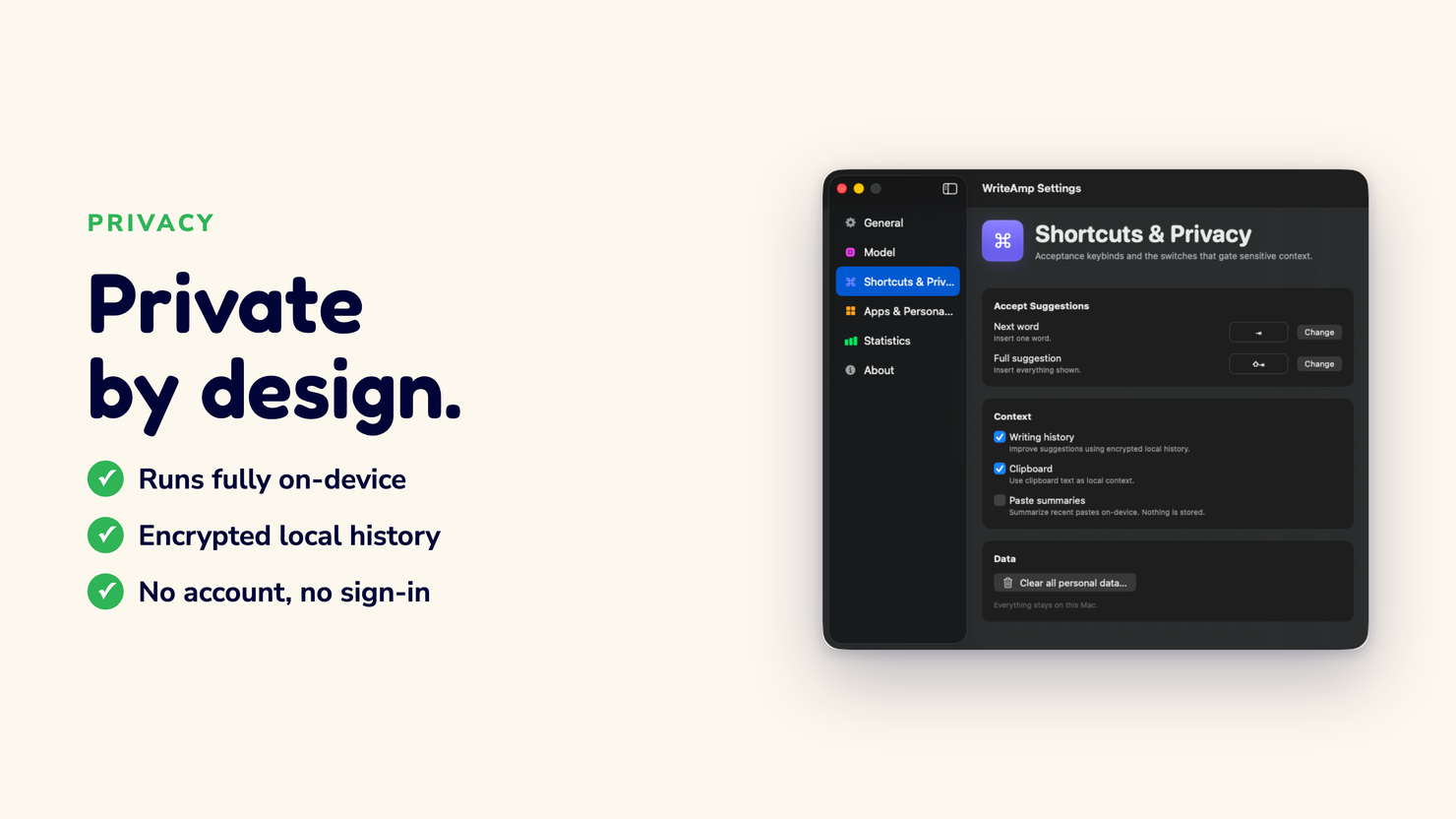
“My drafts are half-baked thoughts I’d never send. I don’t want them on someone’s server. That’s literally why I switched,” says Anya, who drafts legal memos in Toronto.
The sentence you type before you're ready to send it
A work email. A medical note. A half-written putdown you wisely deleted anyway. The cloud writing assistant saw all of it, because to guess your next words it has to read what you already wrote, and it does that reading on a server.
There's a habit I want to push: before you install any writing AI, ask where the completion happens, not whether the finish is good. The second question is easy to answer and flatters every vendor. The first is the one that decides what you just handed over.
What "on-device" buys you, precisely
A small language model running on your Mac can finish the next few words in milliseconds. Apple Silicon chips are honestly overkill for this class of task, which is why it works.
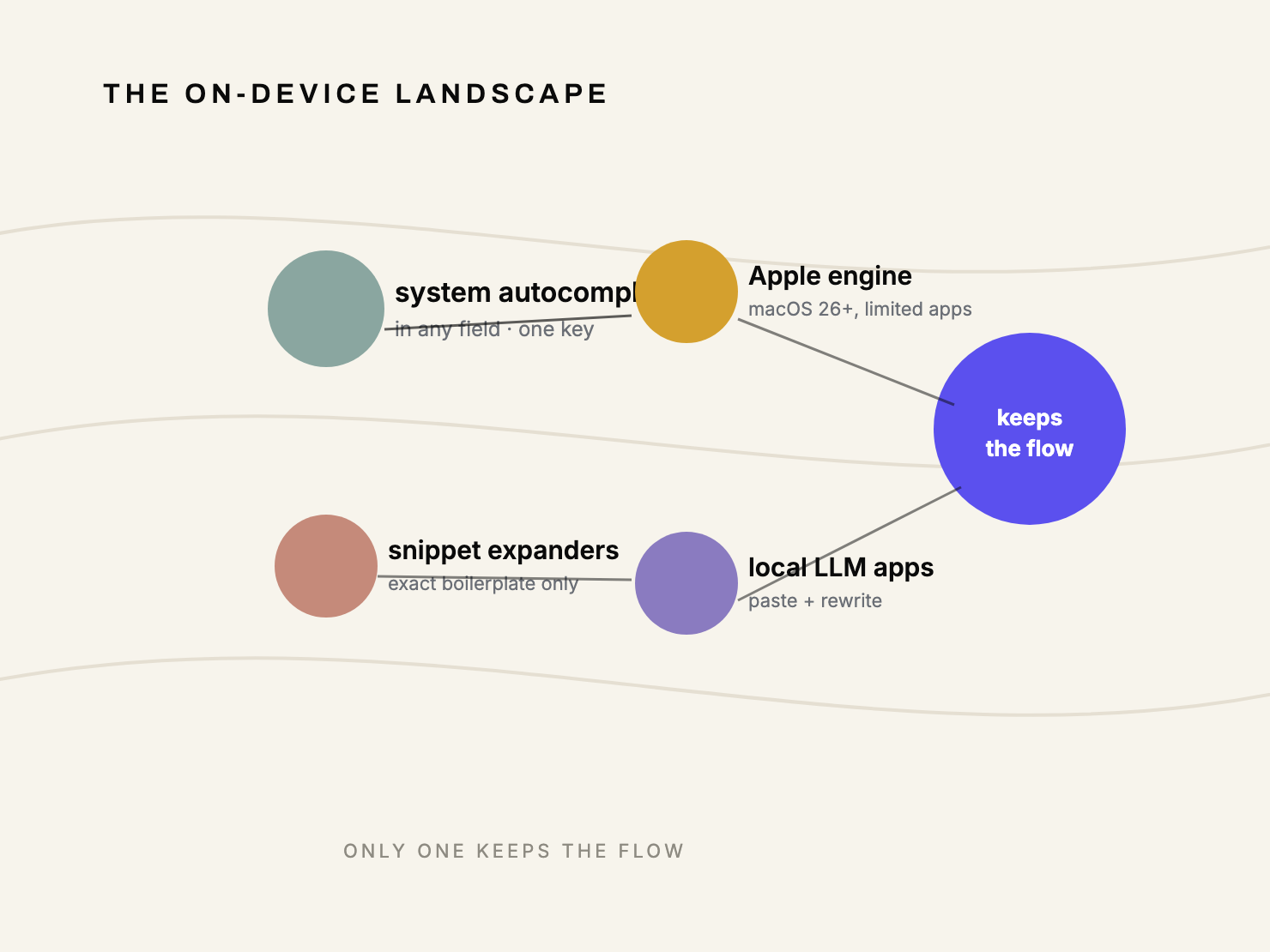
There are four ways people actually go on-device, and they are not the same product:
- System-level autocomplete. A local model suggests the next few words in any field and accepts with one key. The category WriteAmp lives in.
- Apple's on-device engine. Free and private on macOS 26+, but coverage is limited to supported apps and it doesn't learn your phrasing.
- Snippet expanders. Store your exact boilerplate locally and fire it on an abbreviation. Reliable for known strings, useless for near-repeats.
- Local LLM apps. Private chatbots you can prompt for rewrites, but you leave your editor and paste text into them.
Only the first one keeps the flow. The suggestion comes to whatever app you're already in.
The honest comparison, with the knives out
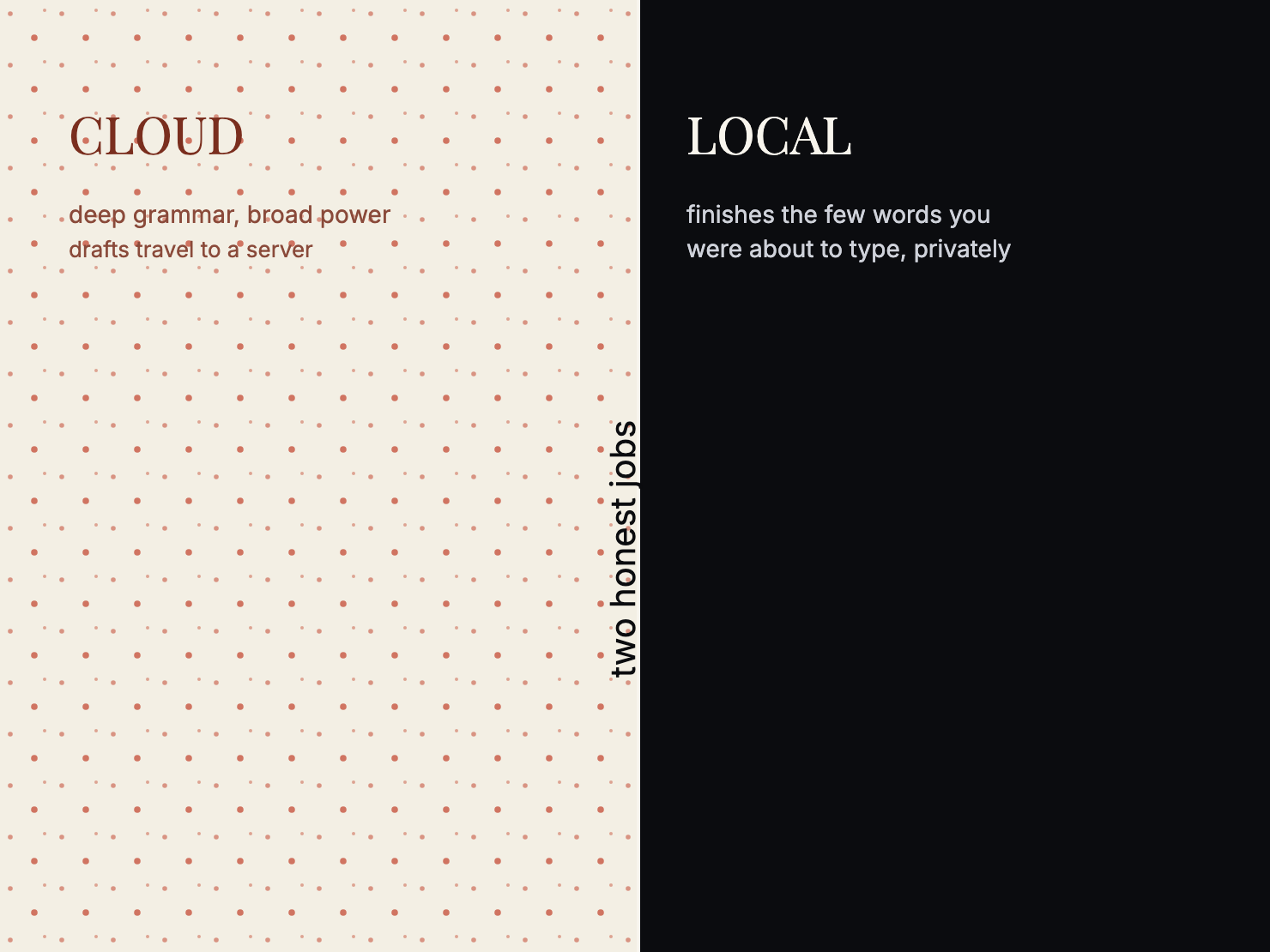
Cloud assistants are good at what they do, and pretending otherwise is how you end up embarrassed. The grammar checking is deep, the brand is loud, and in a browser with a plugin they work. If you write mostly there and you're comfortable with the privacy trade, keep using them. I mean that.
Where on-device wins is narrower and sharper:
- Privacy, for real. Your text is processed on your Mac. There's no transit because there's no sending. The privacy policy spells out exactly what does and doesn't leave the machine.
- Reach. Hook the macOS system level and you get Mail, Slack, browsers, editors, chat fields. Not just apps that installed a plugin.
- Learning that stays yours. A model that adapts to how you write, stored locally and inspectable, beats a shared cloud model trained on everyone.
Where the cloud tools win, because honesty is the strategy
A small local model is less broadly capable than a frontier cloud model. That's physics, and pretending otherwise is marketing, which I rate as the same failure mode as hiding the privacy trade.
If you need a general-purpose rewrite of a whole paragraph, or you want polished long-form drafting, a cloud tool or a strong general assistant is the better call. The on-device approach wins the specific job of finishing the few words you were about to type, fast and private. Pick the tool that matches the job.
Snippet expanders deserve their respect too. For boilerplate you want byte-identical every time, an expander beats any predictor. Most people's repeated sentences are near-repeats, though, small variations on a theme. That's the gap autocomplete fills.
What I'd install, and I've tested all of them
I built one of these, so I'll be straight about the bias and let the detail carry. On this Mac I run WriteAmp for the next-words habit, macOS's built-in engine for the rare Apple-app polish, and I keep a text expander around for the handful of exact strings I send daily. Three tools, three different jobs. Nobody sells me one thing that does all of them.
The privacy framing is the part that can't be negotiated away with features. A tool that finishes your sentence is only useful if finishing the sentence was the deal. If the actual deal involves your drafts being logged on a server nobody else admits reads them, that's a hidden ask.
The call
Run an on-device tool if you write anything that should stay yours, or if you value the flow of suggestions arriving at the cursor instead of in a sidebar. Use a cloud assistant for heavy rewriting where you've accepted the trade. The categories aren't enemies; they're different jobs.
WriteAmp is free for 30 days with everything on. The honest test is ten minutes of typing, not a features list. If it doesn't earn the keep, delete it. The trial is the point.
On macOS 26+ Macs, Apple Intelligence mode stays free even after the trial ends — you always keep a working path to suggestions.
Written by Amit Ashwini, who builds WriteAmp and runs its marketing. More: why the Tab key beats the model · the full comparison page · how WriteAmp learns your writing.