
Mini, Midi, or Max: Choosing a Local Model Like a Grown-Up
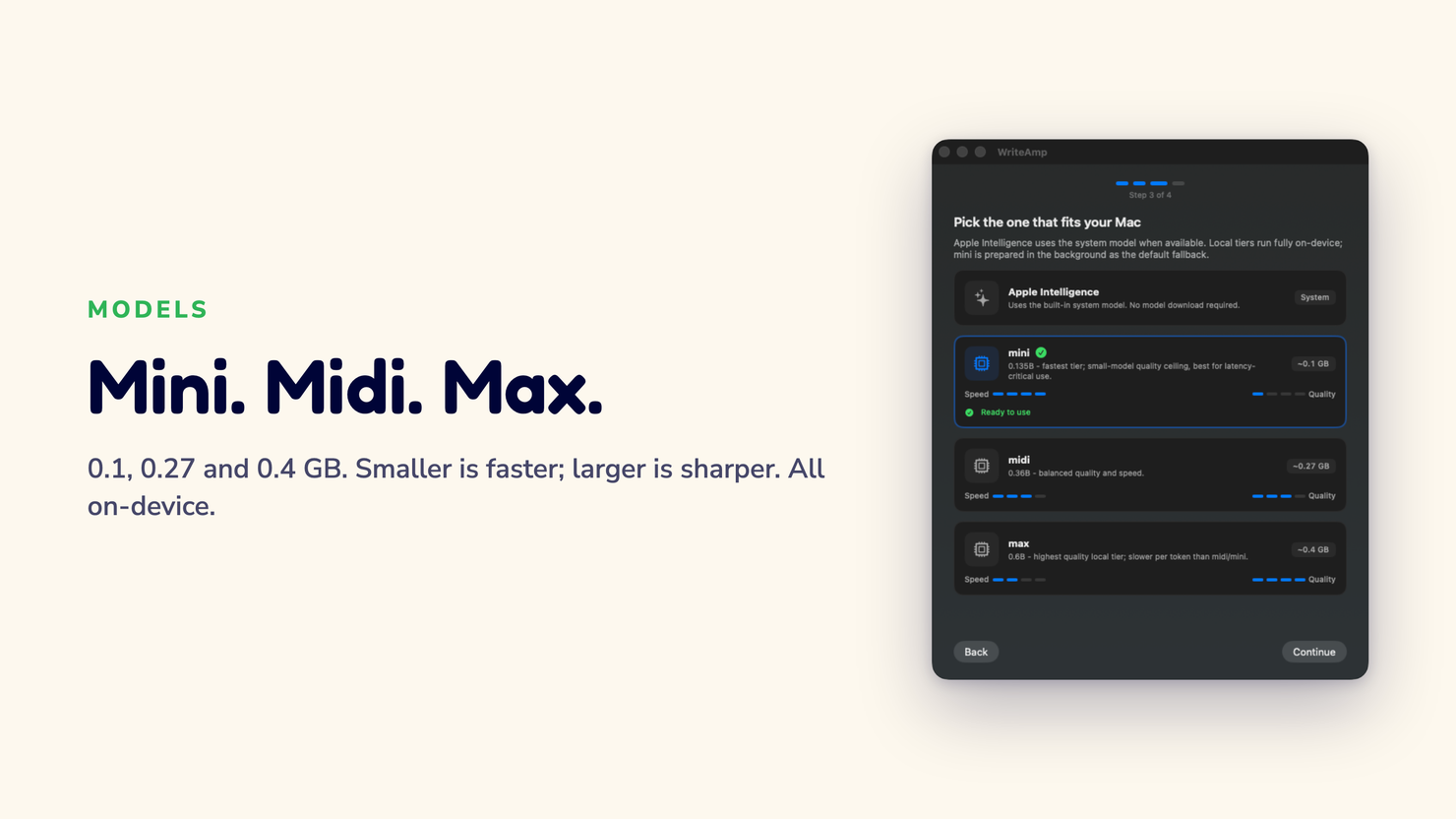
WriteAmp runs its suggestions on a small model hidden behind your typing, and it ships three tiers plus Apple Intelligence on macOS 26+. The reflex is to pick the biggest. That's usually wrong.
“I just left it on mini. Works fine. Didn’t overthink it,” says Ken, who writes code comments all day in Osaka. He tried midi once. Went back.
One habit, four engines
The Tab habit never changes. Type, see the next few words in light gray, press Tab to accept, keep typing to ignore. That's identical on every engine.
Because the whole point is that you shouldn't have to think about which one is under the hood.
The engines only change how quick and how confident a suggestion feels. That's it. Switch any time.
The four of them, plainly
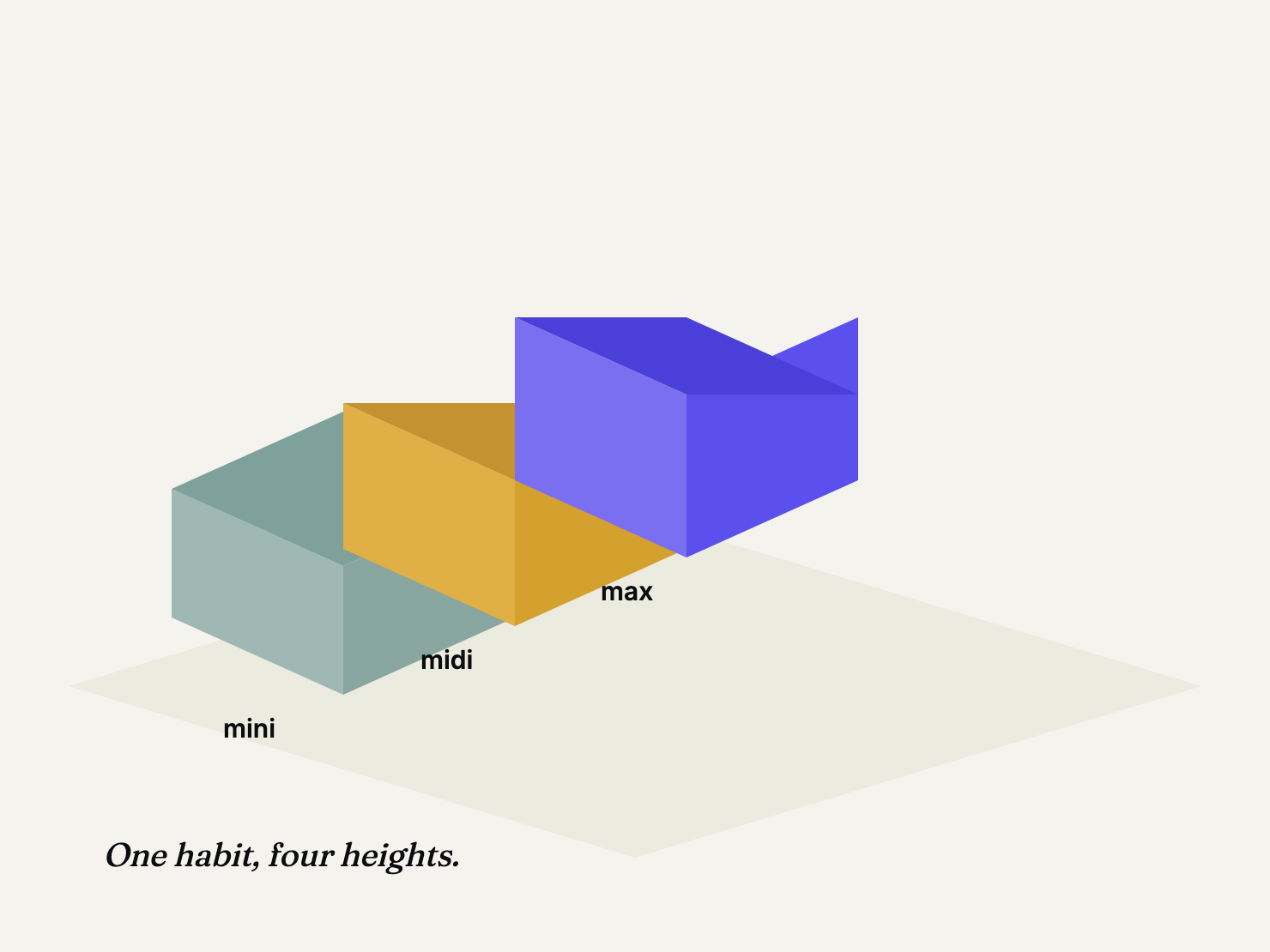
- mini - the default. The lightest model, quickest to reply, gentlest on battery. Right for most typing.
- midi - a middle tier. Trades a little speed for a bit better phrasing.
- max - the strongest local model. Also the engine behind the non-English languages WriteAmp supports, so pick it when you write outside English or want the best English phrasing.
- Apple Intelligence (macOS 26+) - instead of downloading a local model, WriteAmp asks Apple's on-device engine to complete. Still private, still Tab-to-accept, but it doesn't use your personal writing history. Call it a preference, not a tier.
Why bigger is usually the wrong answer
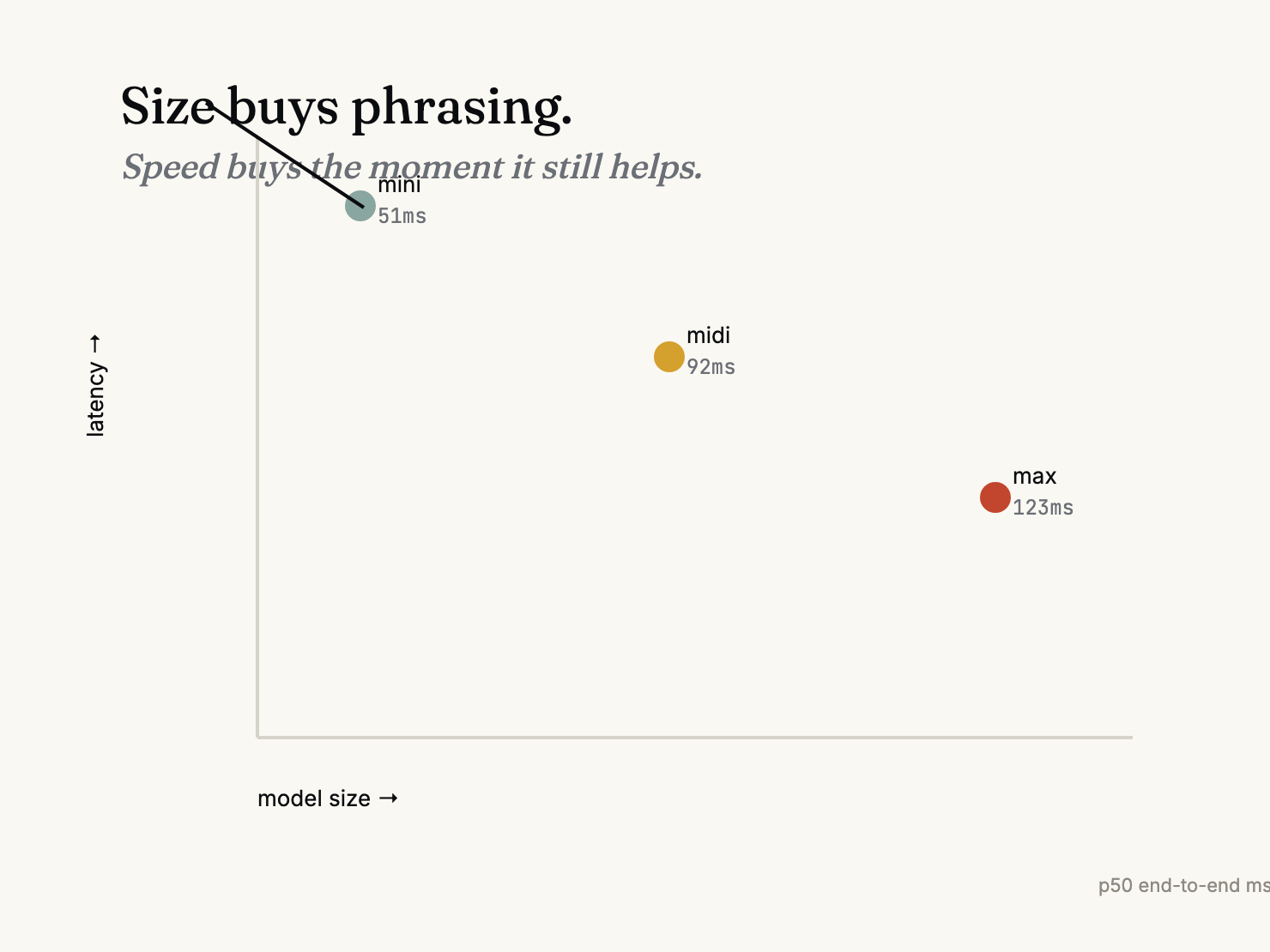
Here's the instinct to fight. A larger model has more context to draw on and often picks the better phrase. Bigger is better, right? For autocomplete, the trade is poisoned by speed. A bigger model takes longer, and for the next few words you were about to type, speed is not a cosmetic feature. A suggestion that lands after you've typed past it is a bug, not a delay.
So the real choice maps to how you write:
- Short, frequent messages, fast? mini is tuned for that.
- Longer sentences where phrasing matters? midi or max.
- On battery, WriteAmp can auto-downshift to the lightest tier and restore your choice when you plug back in.
The numbers aren't secret. The benchmark methodology is public, and the v1 results for these three local tiers are there too, latency and quality reported honestly with the tuning caveat attached. I'd rather you see a lower current score than be surprised later.
Does a bigger engine learn more about you?
No. Personalization, the local history that makes suggestions sound like you, is independent of which engine you pick and works across all three local tiers. It's controlled separately under Settings → Apps & Personalization. The engine is how the suggestion gets made. The history is who it sounds like.
The honest note on Apple Intelligence
Routing through Apple's engine is convenient and private, and it costs no model download. What you give up is a little control and a lot of personalization, because that path won't touch your local history. On a fresh macOS 26 install WriteAmp may even start on it. Fine. Switch when you want a marked opinionated model instead. One more thing worth knowing: this mode stays free even after the 30-day trial ends, it is never gated, so you always have a working path to completions.
Just start on mini
If you're weighing this at all, you're overthinking it. Start on mini. It's the default for a reason. Push to midi or max when mini feels eager, and pull back when you want speed or battery back. The switching costs seconds. The habit doesn't change.
The tier is a lever you can pull whenever you like. That's the design on purpose, and it's the least interesting part of the product, which is also on purpose.
Written by Amit Ashwini, who builds WriteAmp and runs its marketing. More: why the interaction beats the model · how personalization works · benchmark v1.